
Watch together, hear your own soundtrack
Play any video and send two soundtracks to two different audio devices at the same time. A second language on headphones, the original on speakers, audio description for whoever needs it.
Many people experience films differently,
TinePlayer lets you experience them together.
Download TinePlayer Download for Windows – 32.7 MB Download for macOS Download for Linux Free and open source for Windows, macOS, and Linux Other downloads
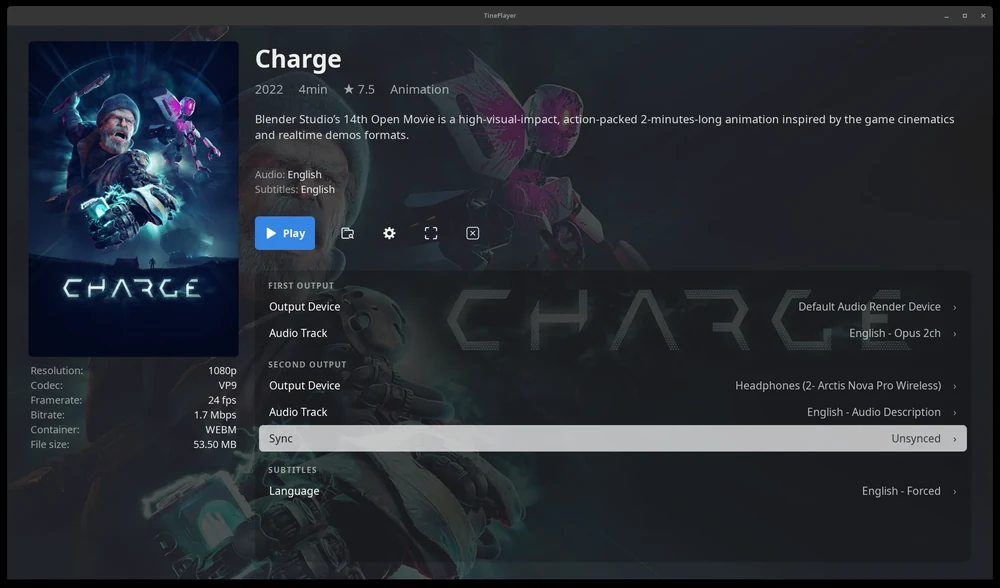
Two languages, one screen
When you and the person next to you don't share a native language, watching a movie together means one of you is doing a lot of work. You're reading to follow the plot, but the delivery and timing are lost and jokes don't land. Films that should have been enjoyable end up feeling like effort.
Perhaps you've tried playing the same film on two devices and doing a countdown. But the sync always drifts and becomes a distraction. TinePlayer solves this for you by splitting soundtracks to different audio devices and keeping everything in sync.
Audio description, automatically synced
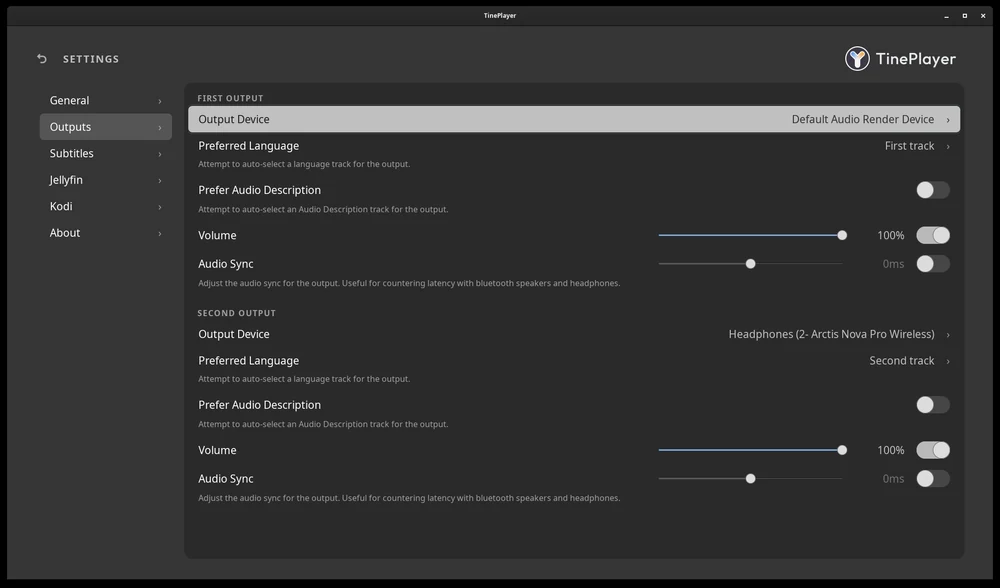
Outside physical discs, films and shows are rarely distributed with audio description tracks. These tracks can be downloaded from online libraries, but then you have to somehow sync them to your video file.
TinePlayer can automatically sync these audio files to the video and output them to any connected audio device as well. So watching alone or with another person who prefers the original audio track is easy.
Built for televisions
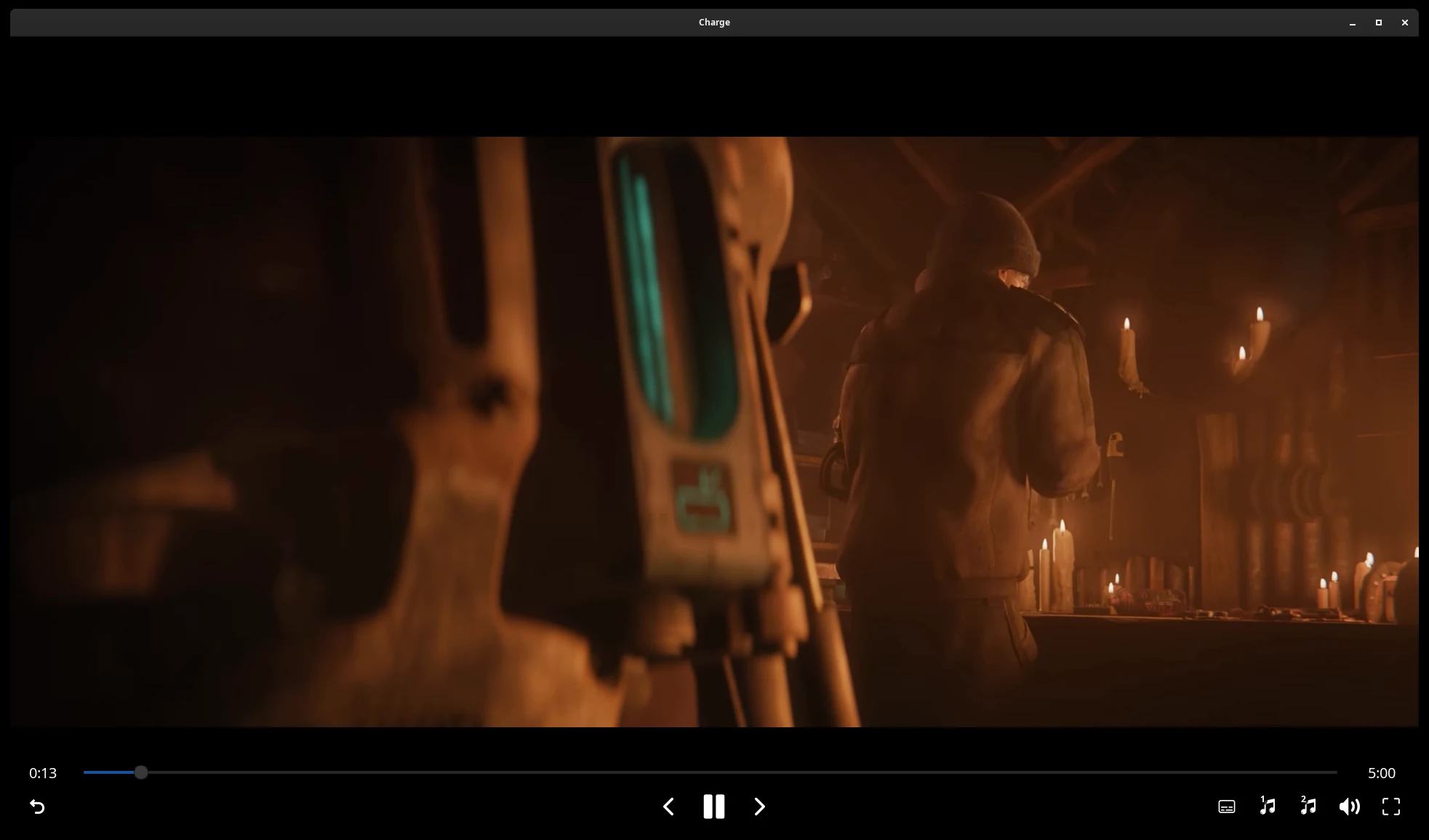
TinePlayer is meant to be used from across a room rather than at a desk, so the interface is large and readable from the couch, and everything can be driven from a gamepad. It reads the metadata and artwork your library manager already writes beside your videos.
It also has built-in integration for Jellyfin and Kodi. Both can hand off playback to TinePlayer, and Jellyfin can do it remotely so you can browse your library and control playback from your phone.
Learn more about integrations ›
Why I made this
My partner and I don't share a first language, and watching a film together had quietly become something we avoided. Sharing movies we liked with each other would either fall flat or just feel like work.
The first rough version of TinePlayer changed that. We heard the film in our own languages, and watching together went back to being easy and fun rather than something one of us was getting through. And we soon found joy in watching movies together again, and I wanted to share that feeling with others who are in similar situations.
If there is some way that TinePlayer could make that experience better for you, let me know by reporting a problem or starting a discussion.